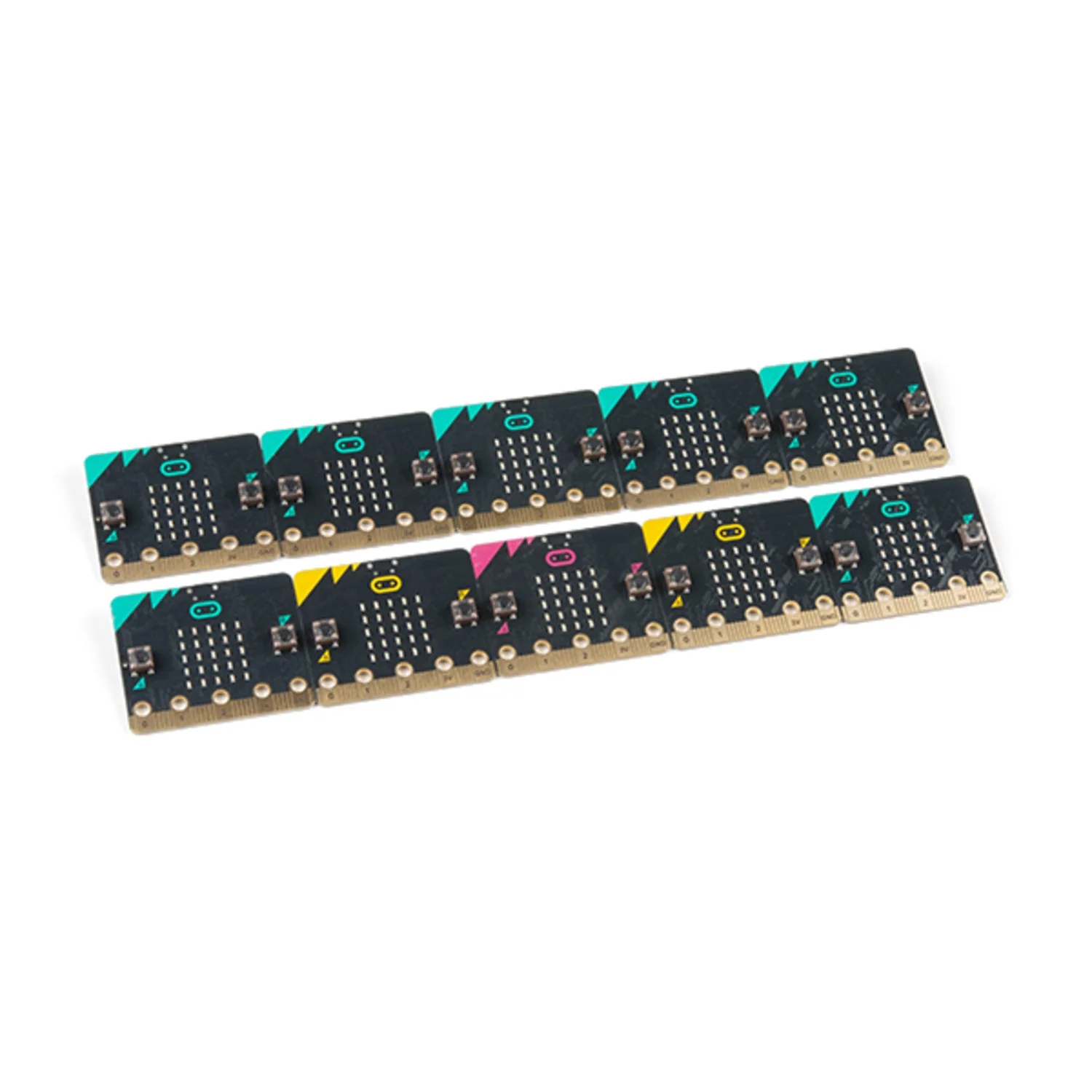
microbit v2 with storage pack
Everything you need to get started with micro:bit, plus a protective case to keep it safe. This bundle includes the BBC micro:bit v2 board, battery pack, USB cable, and a handy zipper case for storage and transport.
What's Included
- micro:bit v2 – The latest BBC micro:bit with speaker, microphone, and touch logo
- AAA Battery Pack – JST connector for portable power
- 1m USB Cable – For programming and power
- Zipper Storage Case – Protects your micro:bit from scratches and impacts
micro:bit v2 Features
- 25-LED Display – 5×5 red LED matrix for text and animations
- Built-in Speaker – Play sounds and music
- MEMS Microphone – Sound detection for voice-reactive projects
- Touch-Sensitive Logo – Capacitive touch input
- Motion Sensor – Accelerometer and compass
- Bluetooth 5.0 – Wireless connectivity
- Two Buttons – Programmable A and B buttons
Ideal For
- Students learning to code
- Taking micro:bit projects on the go
- Classroom use with safe storage
- Protecting your micro:bit from damage
Resources
- Getting Started Guide
- MakeCode Editor
$7.75
Original: $22.13
-65%microbit v2 with storage pack—
$22.13
$7.75Product Information
Product Information
Shipping & Returns
Shipping & Returns
Description
Everything you need to get started with micro:bit, plus a protective case to keep it safe. This bundle includes the BBC micro:bit v2 board, battery pack, USB cable, and a handy zipper case for storage and transport.
What's Included
- micro:bit v2 – The latest BBC micro:bit with speaker, microphone, and touch logo
- AAA Battery Pack – JST connector for portable power
- 1m USB Cable – For programming and power
- Zipper Storage Case – Protects your micro:bit from scratches and impacts
micro:bit v2 Features
- 25-LED Display – 5×5 red LED matrix for text and animations
- Built-in Speaker – Play sounds and music
- MEMS Microphone – Sound detection for voice-reactive projects
- Touch-Sensitive Logo – Capacitive touch input
- Motion Sensor – Accelerometer and compass
- Bluetooth 5.0 – Wireless connectivity
- Two Buttons – Programmable A and B buttons
Ideal For
- Students learning to code
- Taking micro:bit projects on the go
- Classroom use with safe storage
- Protecting your micro:bit from damage
Resources
- Getting Started Guide
- MakeCode Editor