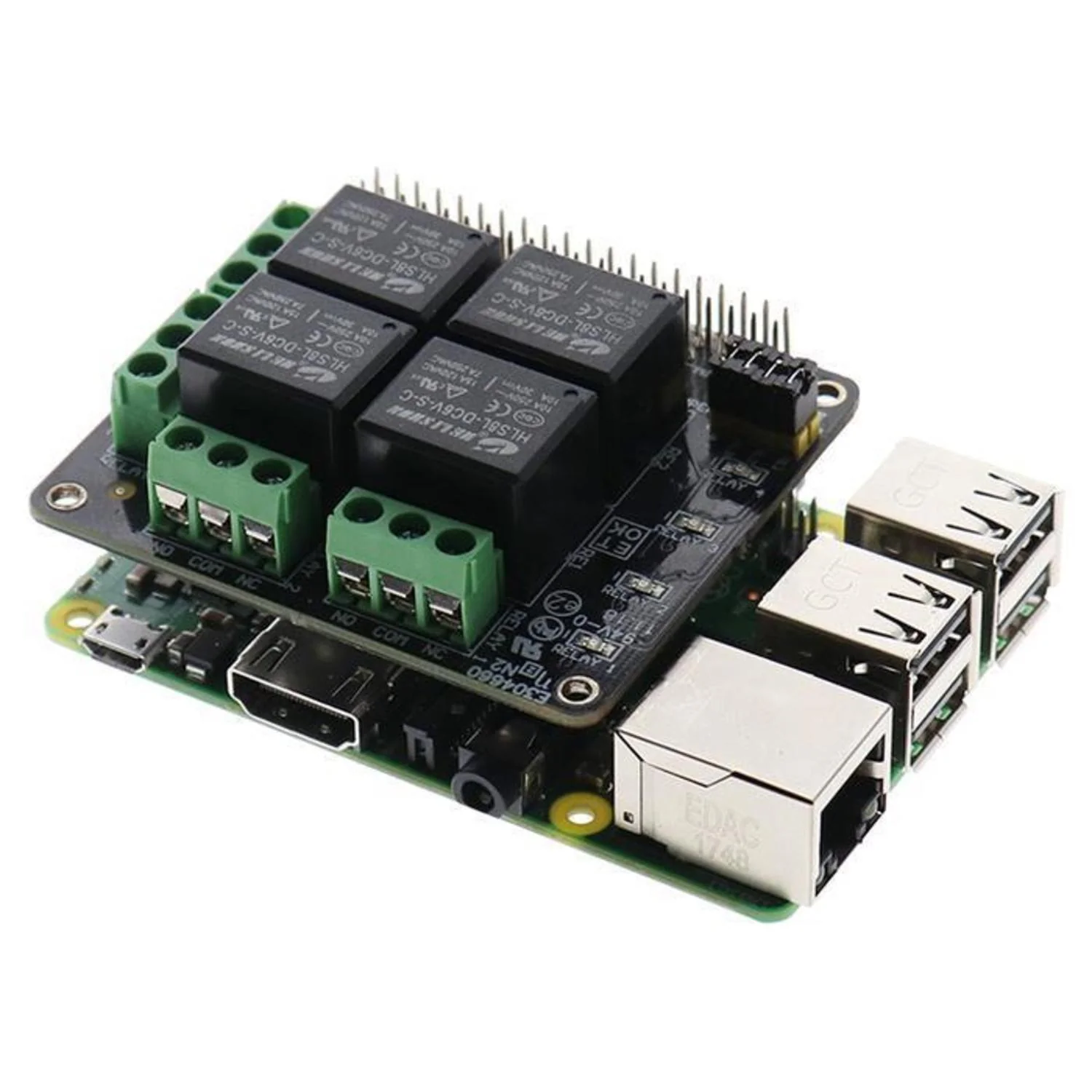
OnOff SHIM
Add a proper power switch to your Raspberry Pi with the OnOff SHIM. This ultra-thin board sits between your Pi and its power supply, providing a tactile button to power on and cleanly shut down your system.
Part of Pimoroni's SHIM (Shove Hardware in the Middle) range, at just 0.8mm thick it's designed to be soldered directly onto GPIO pins, leaving room for HATs and pHATs on top.
Key Features
- Power Button – Press to boot, hold for clean shutdown
- Ultra-Thin – 0.8mm PCB, compatible with HATs/pHATs
- Micro-USB Input – Connect your existing power supply
- Status LED – Red LED indicates power state
- External Button Option – Breakout pins for remote button
- High Current – Supports up to 2.5A power supplies
How It Works
- Connect your micro-USB power supply to the OnOff SHIM
- Press the button once to power on your Pi
- Hold the button for 1 second to cleanly shut down and cut power
Package Contents
- 1× OnOff SHIM PCB
- 1× 2×6 Female header
curl https://get.pimoroni.com/onoffshim | bash
Original: $7.85
-65%$7.85
$2.75Product Information
Product Information
Shipping & Returns
Shipping & Returns
Description
Add a proper power switch to your Raspberry Pi with the OnOff SHIM. This ultra-thin board sits between your Pi and its power supply, providing a tactile button to power on and cleanly shut down your system.
Part of Pimoroni's SHIM (Shove Hardware in the Middle) range, at just 0.8mm thick it's designed to be soldered directly onto GPIO pins, leaving room for HATs and pHATs on top.
Key Features
- Power Button – Press to boot, hold for clean shutdown
- Ultra-Thin – 0.8mm PCB, compatible with HATs/pHATs
- Micro-USB Input – Connect your existing power supply
- Status LED – Red LED indicates power state
- External Button Option – Breakout pins for remote button
- High Current – Supports up to 2.5A power supplies
How It Works
- Connect your micro-USB power supply to the OnOff SHIM
- Press the button once to power on your Pi
- Hold the button for 1 second to cleanly shut down and cut power
Package Contents
- 1× OnOff SHIM PCB
- 1× 2×6 Female header
curl https://get.pimoroni.com/onoffshim | bash