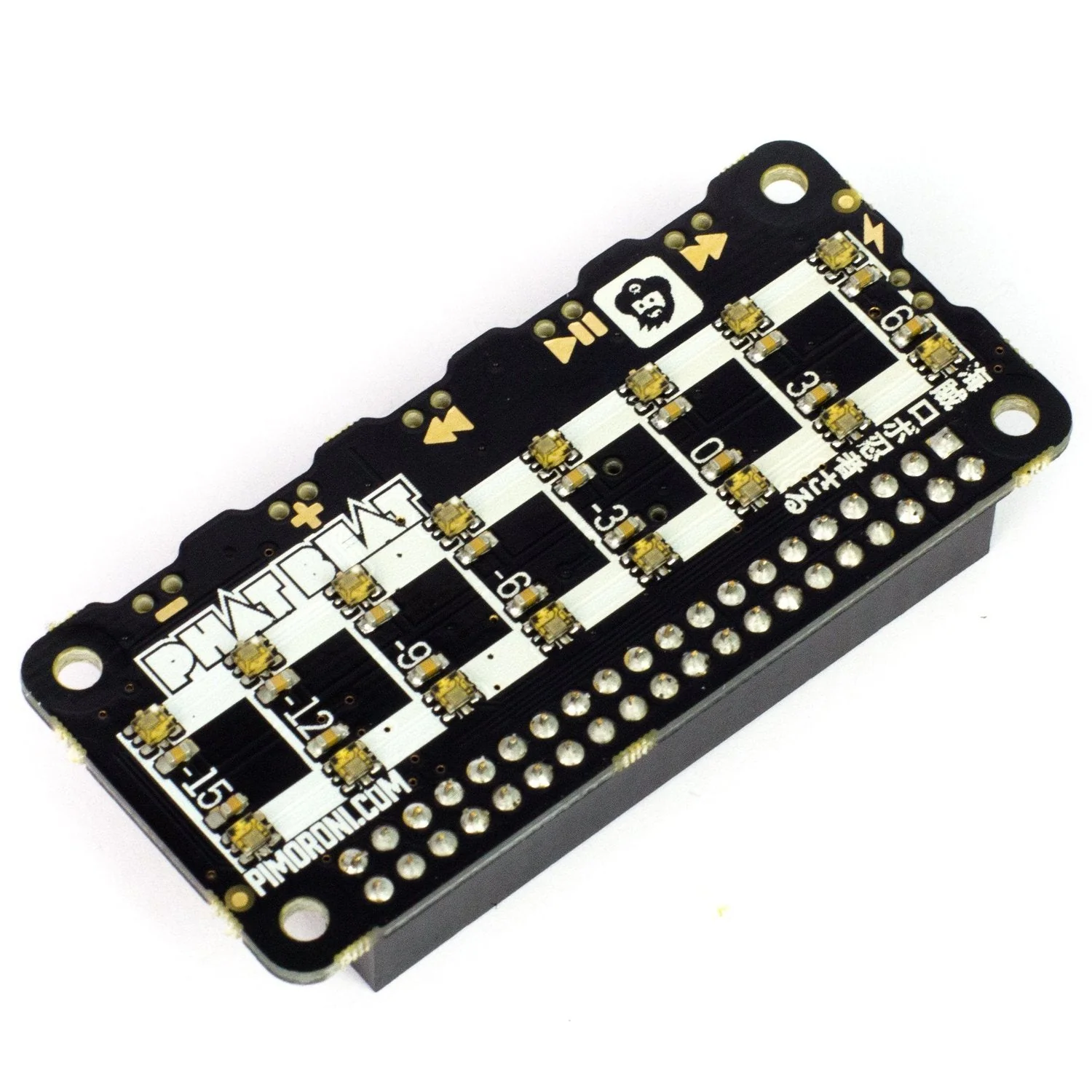
Pirate Audio Speaker for Raspberry Pi
Pump out mini beats with Pirate Audio Speaker for Raspberry Pi. This compact sound system combines an I2S DAC, amplifier, mono speaker, high-resolution display, and playback control buttons in one fully-assembled HAT.
Perfect for building a mini radio, sound effect player, or pocket-sized games console. Use the Pirate Audio software to play local audio files (MP3, FLAC, and more) or stream from services like Spotify. The display shows album art and track info while the tactile buttons provide playback control.
Key Features
- Built-in Speaker – 1W/8Ω mono speaker for instant audio output
- I2S DAC/Amplifier – MAX98357A chip for high-quality digital audio
- 1.3" IPS Colour Display – 240×240 pixel LCD with ST7789 driver for album art
- Four Tactile Buttons – Hardware playback controls on GPIO BCM 5, 6, 16, and 20
- Push-fit Speaker Terminals – Connect your own external speaker if desired
- Mini HAT Format – Fully assembled with 40-pin header compatibility
Specifications
- DAC/Amp: MAX98357A
- Speaker: 1W / 8Ω (included)
- Display: 1.3" IPS LCD, 240×240px, ST7789 driver
- Audio Output: Mono
- Interface: I2S audio, SPI display
- Compatibility: All 40-pin header Raspberry Pi models
- Dimensions: 65mm × 30.5mm × 9.5mm
Ideal For
- Mini internet radio projects
- Sound effect players
- Pocket-sized media players
- Retro gaming consoles with audio
Getting Started
- Set up an SD card with the latest Raspberry Pi OS
- Connect to Wi-Fi or wired network
- Open a terminal and run:
git clone https://github.com/pimoroni/pirate-audio
cd pirate-audio/mopidy
sudo ./install.sh
- Reboot your Pi
Resources
- Pirate Audio GitHub Repository
- Mopidy Setup Instructions
- MAX98357A Datasheet
Product Information
Product Information
Shipping & Returns
Shipping & Returns
Description
Pump out mini beats with Pirate Audio Speaker for Raspberry Pi. This compact sound system combines an I2S DAC, amplifier, mono speaker, high-resolution display, and playback control buttons in one fully-assembled HAT.
Perfect for building a mini radio, sound effect player, or pocket-sized games console. Use the Pirate Audio software to play local audio files (MP3, FLAC, and more) or stream from services like Spotify. The display shows album art and track info while the tactile buttons provide playback control.
Key Features
- Built-in Speaker – 1W/8Ω mono speaker for instant audio output
- I2S DAC/Amplifier – MAX98357A chip for high-quality digital audio
- 1.3" IPS Colour Display – 240×240 pixel LCD with ST7789 driver for album art
- Four Tactile Buttons – Hardware playback controls on GPIO BCM 5, 6, 16, and 20
- Push-fit Speaker Terminals – Connect your own external speaker if desired
- Mini HAT Format – Fully assembled with 40-pin header compatibility
Specifications
- DAC/Amp: MAX98357A
- Speaker: 1W / 8Ω (included)
- Display: 1.3" IPS LCD, 240×240px, ST7789 driver
- Audio Output: Mono
- Interface: I2S audio, SPI display
- Compatibility: All 40-pin header Raspberry Pi models
- Dimensions: 65mm × 30.5mm × 9.5mm
Ideal For
- Mini internet radio projects
- Sound effect players
- Pocket-sized media players
- Retro gaming consoles with audio
Getting Started
- Set up an SD card with the latest Raspberry Pi OS
- Connect to Wi-Fi or wired network
- Open a terminal and run:
git clone https://github.com/pimoroni/pirate-audio
cd pirate-audio/mopidy
sudo ./install.sh
- Reboot your Pi
Resources
- Pirate Audio GitHub Repository
- Mopidy Setup Instructions
- MAX98357A Datasheet